File uploader
PS5 Upload Speed Guidelines 【Conclusion】
The guidelines for PS5 upload speed depend on the usage.
It is easier to understand based on the following criteria.
- Gameplay only: 1-5Mbps
- Voice chat: 3-10Mbps
- Streaming (low quality): 5-10Mbps
- Streaming (high quality): 10-20Mbps or more
- Video/clip sharing: Recommended 10Mbps or more
In conclusion, if you have 10Mbps or more, it's comfortable, and 20Mbps or more is almost without issues.
What Happens When Upload Speed is Slow?
If the upload speed is insufficient, the following issues may occur.
- Streaming stutters or drops
- Share function (video posting) is slow
- Voice chat drops
- Cloud save synchronization is delayed
Especially for those who stream or post videos, upload speed is crucial. It is important to note that having a fast download speed alone is meaningless.
Immediate Improvement Checklist
- Use wired LAN connection (Category 6e or higher standards)
- Enable IPv6 connection
- Restart the router
- Reduce communication from other devices
Particularly, a wired connection is the most effective improvement method. It greatly enhances stability compared to Wi-Fi.
How to Measure Speed on PS5
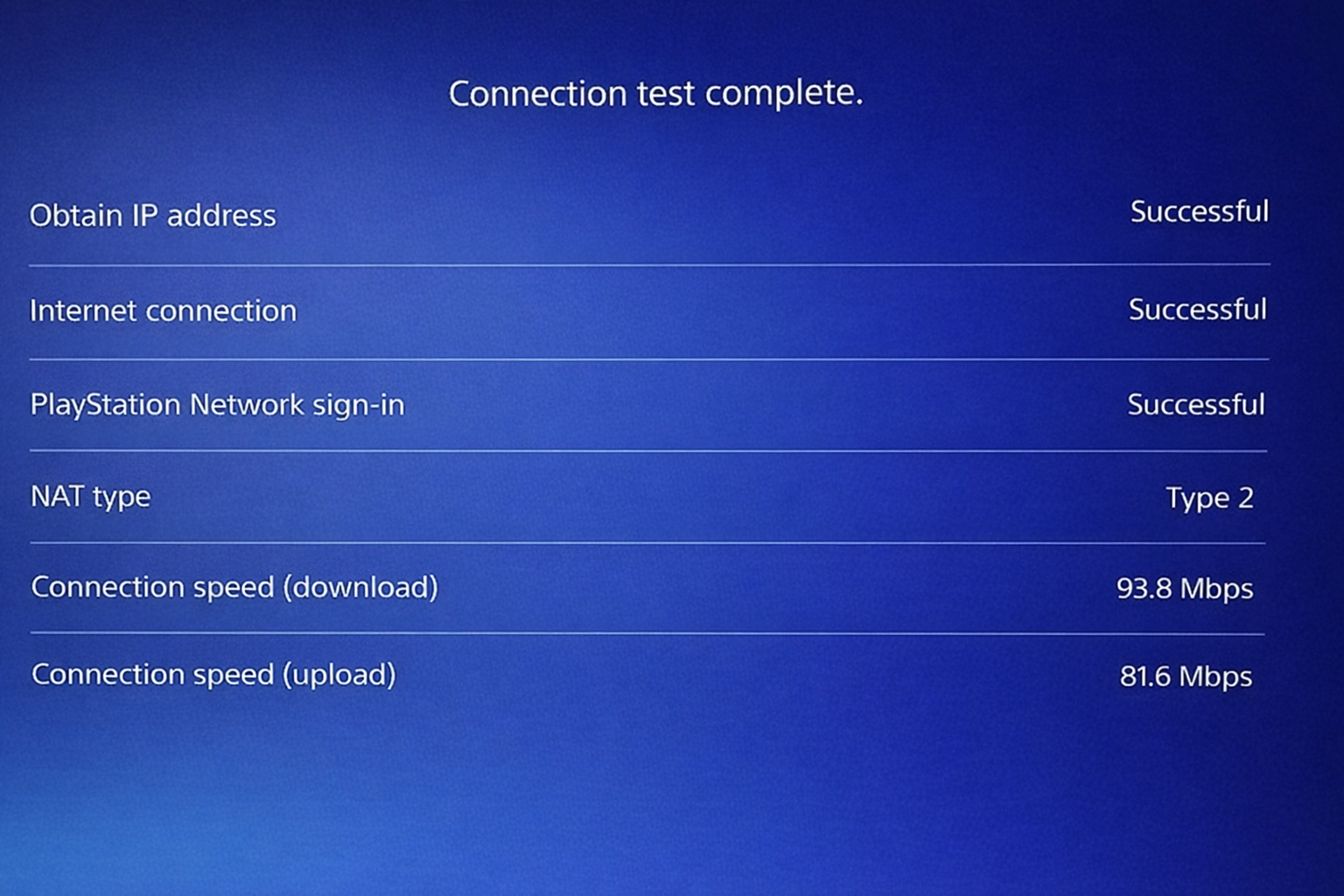
You can easily check the communication speed from the PS5 console.
- Settings
- Network
- Connection Status
- Diagnose Internet Connection
Please check the "upload speed" displayed here.
Causes of Slow Upload Speed
Slow Line Itself
This occurs when the contract's upload speed is low. It is particularly common with mobile or older lines.
Router Performance Issues
Older routers may limit upload speeds.
UploadF is Convenient for Video and Data Sharing
When sharing videos or screenshots taken on PS5, not only the upload speed but also a user-friendly upload destination is important.
UploadF is a free file uploader that can be used on both PC and smartphones, allowing for easy uploads through drag & drop.
- Upload multiple files at once
- Immediate sending via URL sharing
- Individual deletion is also possible for safety
Additionally, for images, simple editing or OCR can also be used, making it well-suited for sharing PS5 screenshots.
Conclusion
The required upload speed for PS5 varies depending on usage, but
- Minimum: 1-5Mbps
- Comfortable: Above 10Mbps
- Ideal: Above 20Mbps
If you meet this standard, you should have no problems for most uses.
If you feel the speed is slow, try wired connection and environmental improvements first, and consider using services like UploadF for video sharing.