File uploader

DOWNLOAD
What is HistorySaver (Chrome Extension)
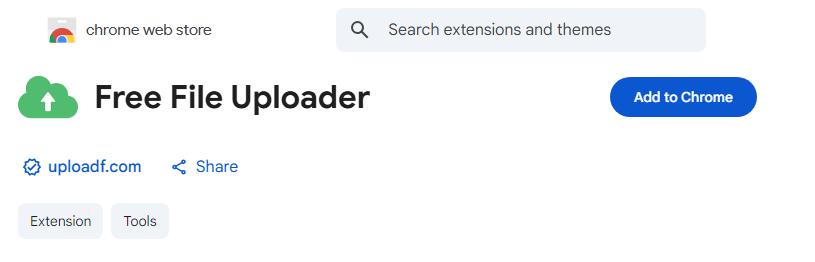
"HistorySaver" is a Chrome extension app for saving the URLs of files uploaded to the uploader.
Just download it and you're ready to go. There's no complicated setup, and you can start using it right away.
While it is installed (enabled), it will automatically save after uploading.
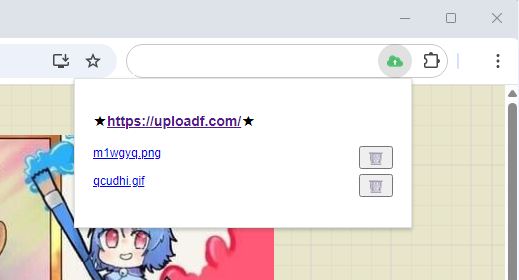
Whenever you want to revisit the URLs, just click on the extension to go back.
You can set the number of saved history items to your liking from the settings, and you can also delete unnecessary history individually.
There is also a link to the file uploader, so you can easily enter the upload process immediately.
It is designed to be user-friendly so that anyone can intuitively use it.
DOWNLOAD
How to Use
No special settings are required after downloading.
Please click on the app only when you want to view your upload history.
You can check the settings by right-clicking on the app.
For more details about the software, please check here
Top Help Contact 🌐Language