File uploader
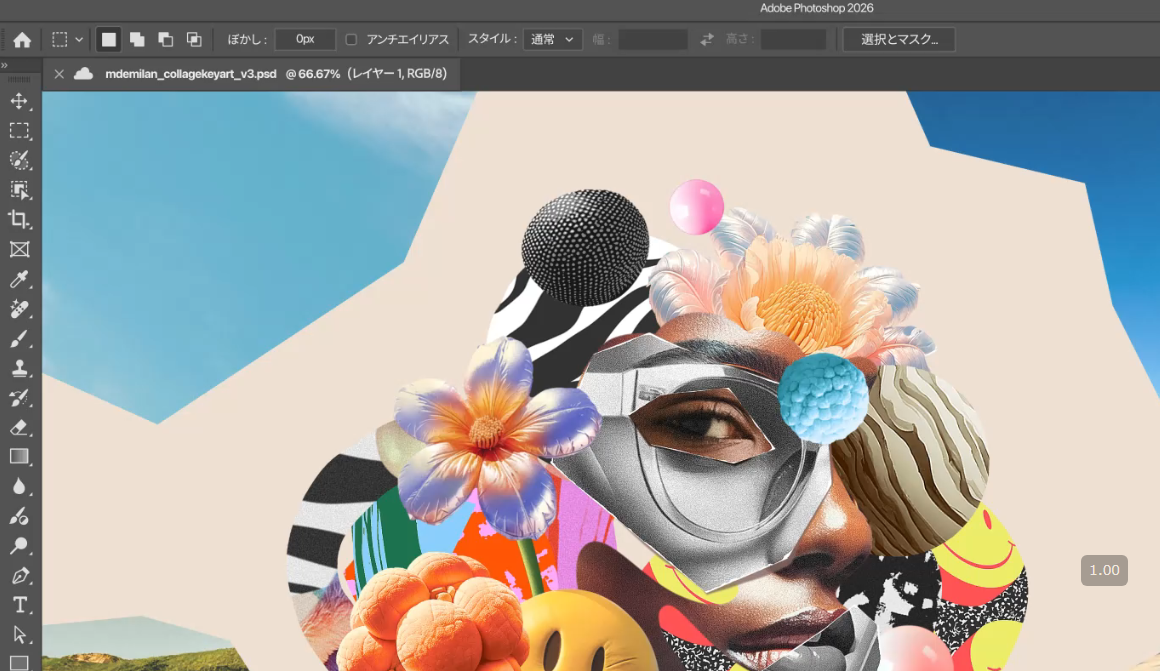
How to share PSD files for free
Have you ever wanted to send a PSD file created in Photoshop to someone, but found yourself unable to attach it to an email, facing large file sizes, or not knowing how to share it?
PSD files are often used when transferring illustration production data or design materials because they can preserve layers and editing information. However, unlike regular image files, they can become quite large, making them difficult to share through email or social media.
In such cases, file uploaders or file transfer services are very convenient.
By using the free file uploader "UploadF", you can easily upload your PSD files and share the generated URL with the recipient.
There is no need for membership registration, making it convenient for transferring small amounts of production data.
Uploaders are recommended for sharing PSD files
There are several methods to share PSD files, but if you prioritize convenience, a file uploader is recommended.
A file uploader is a service that allows you to upload files to the internet and then share the issued URL with others to enable them to download it.
There is no need to directly attach files to emails, and the recipient simply opens the URL to download the file, so no special operations are needed.
For instance, it can be utilized in the following situations:
- An illustrator hands over PSD production data to a client
- A designer shares layered design data
- A VTuber or streamer transfers character illustrations or streaming materials
- Sending Photoshop editing data to friends or acquaintances
- Sharing multiple PSD files at once
It is particularly useful when you want to transfer multiple files at once or when the recipient only needs to receive the files.
UploadF: Share PSD files for free
For sharing PSD files, the free file uploader "UploadF" is highly recommended.
UploadF supports both computers and smartphones. It can be used without membership registration and allows you to upload various file formats including images, videos, documents, and compressed files.
Selecting PSD format is also supported, allowing you to share your Photoshop editing data as is.
- Completely free to use
- No membership registration required
- Compatible with computers and smartphones
- Uploads available via drag & drop
- Up to 100 files can be uploaded simultaneously
- Possible to set or extend the storage period
- Password protection is supported
- Supports individual deletion of uploaded files
- Supports about 150 types of file extensions
In addition to temporary file sharing, if you set a longer storage period, it can also be used for situations where you want the files downloaded later.
Furthermore, you can upload multiple PSD files together, making it convenient when you want to hand over a complete set of production materials.
How to share PSD files using UploadF
Using UploadF is very straightforward. You can share PSD files by following these steps.
1. Upload the PSD file
First, visit UploadF.
Select the PSD file you wish to upload or drag and drop it onto the screen.
If you wish to share multiple PSD files, you can select and upload them all at once.
2. Obtain the URL after upload completion
Once the upload is complete, a URL will be issued for downloading the file.
Copy this URL and send it to the recipient via email, social media, or chat.
3. Share the URL with the recipient
The recipient can download the PSD file by accessing the shared URL.
If opened with software that supports the PSD format, such as Photoshop, the original editing data can be utilized.
Please note that in order to open the PSD file, the recipient needs compatible software. There are image editing software options besides Photoshop that support PSD.
Points to note when sharing PSD files
When sharing PSD files, there are several points to check beforehand.
Preserve the layer structure when saving
A major feature of PSD files is their ability to retain editing information such as layers, masks, and effects.
If you convert them to JPEG or PNG, the layer structure is generally lost. Therefore, if the purpose is for someone to edit the file, ensure it is saved and shared in PSD format.
Also, when saving in Photoshop, be cautious not to unintentionally merge images.
Confirm whether the recipient can open the PSD file
Although PSD is a standard saving format for Photoshop, not all image viewers or editing software fully support it.
If the recipient does not have Photoshop, check if they can use another image editing software that supports PSD format.
Additionally, some software may not reproduce certain layer effects or drawing functions correctly. If the data is important, it is advisable to confirm the recipient's software environment in advance.
Check the file storage period
Some file uploaders delete uploaded files after a certain period.
If the recipient can retrieve the file immediately, a short storage period is fine, but if they are downloading it later, set a longer period to be safe.
UploadF allows you to set and extend the storage period, so adjustments can be made according to your needs.
Set a password if necessary
If the shared URL allows anyone who knows it to access the file, care should be taken regarding URL forwarding or accidental sending.
When sharing files that you do not want third parties to see, such as work production data or unpublished illustrations, consider utilizing password protection.
It is also important to delete files after sharing when they are no longer required.
Checklist before sharing PSD files
Before sending files, it is comforting to verify the following items:
- Correctly saved in PSD format
- Necessary layers are intact
- The recipient has an environment to open the file
- The shared URL is copied correctly
- Password protection was set if necessary
- No issues with the storage period
- No unnecessary personal information is included in the files being shared
Particularly with partially completed data, hidden layers or unnecessary information may remain. Make sure to check once before passing it to the recipient.
Share files other than PSD with UploadF
UploadF supports not just PSD files, but various file formats.
For example, it allows uploading image files such as PNG, JPG, GIF, WEBP, as well as documents and compressed files like PDF and ZIP.
Moreover, when uploading images, you can also utilize convenient online tools like the following:
- AI image learning prevention tool
- Color code extraction tool
- Online OCR tool
- Mosaic, cropping, resizing, rotating, and flipping images
- Background transparency or adding watermarks
- Converting GIF images into 2-frame formats
- Listing or zipping multiple files
If you wish to process images before sharing them or want to organize and deliver multiple files, it can be quite useful.
Conclusion: UploadF is recommended for sharing PSD files
If you want to share a PSD file with someone, using a file uploader is an easy solution.
Even if attaching to email is difficult, you can simply upload the file and send the generated URL to the recipient.
For a free and convenient option without membership registration, be sure to try "UploadF", which also supports PSD formats.
It can be utilized from both computers and smartphones, and supports simultaneous uploads of multiple files, password setting, and adjusting storage periods.
Not only for Photoshop production data, but it is also convenient for sharing various files such as images, videos, and documents.
Free file uploader UploadF is here
Top Help Contact 🌐Language