File uploader
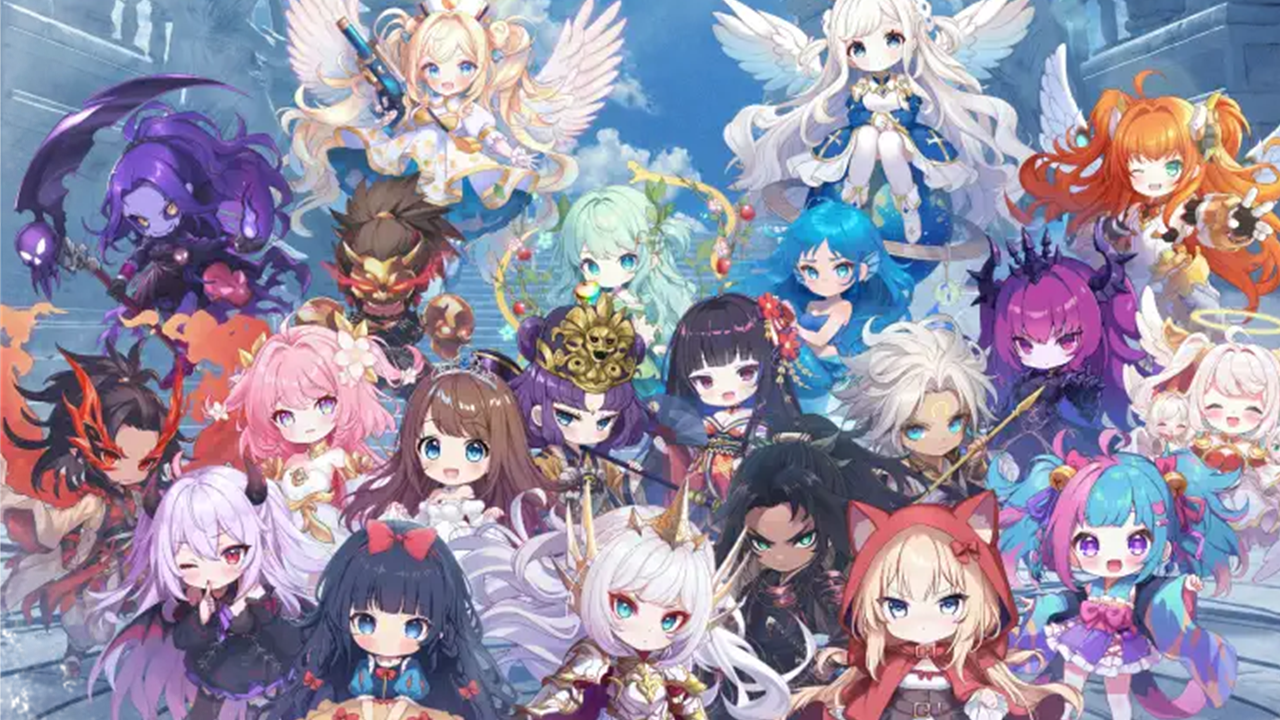
For Those Who Want to Share Meta Tensei Screenshots Only Among Friends
In "Meta Tensei," there are numerous occasions to capture screenshots (also known as "screenshot") due to the acquisition of rare characters, results of equipment selection, and clear screens of events.
The official platform allows players to post gameplay videos and screenshots, providing an environment where individuals can enjoy sharing on social media. A culture of sharing strategy information and gacha results among friends is also spreading.
However, there may be many cases where you want to share screenshots only with "guild members" or "real-life friends," rather than making them public on social media. Using an image sharing service can be convenient in such cases.
This Method is Recommended First
- Capture a screenshot on your smartphone or PC
- Upload the image
- Send the sharing URL only to your friends
- Set a password if necessary
- Delete the image when no longer needed
With this method, you don't have to compress the image before sending it via LINE or social media, allowing you to share in high quality.
UploadF is Convenient for Sharing Among Friends
UploadF is a free file uploader that can be used from both PC and smartphones, making it easy to upload images simply by dragging and dropping them.
Especially for sharing among gaming friends, the following features are convenient:
- Can share with password protection
- Only those who know the URL can view it
- Can upload up to 100 files at once
- Can delete unwanted images individually
- Choice of storage period based on usage
It can be utilized for sharing a large number of screenshots during events or distributing strategy images to multiple people.
Differences from Social Media Sharing
| Sharing Method | Characteristics |
|---|---|
| Social Media | Requires attention to public/private settings. Images may be compressed. |
| LINE | Casual, but there may be a drop in image quality. |
| UploadF | Suitable for high quality, URL sharing, password protection, and sharing multiple images. |
Recommended for These Types of Screenshot Sharing
- Reporting gacha results
- Strongest equipment and development status
- Sharing strategy information
- Event rankings
- Images reporting bugs or issues
- Capturing favorite characters
If the images do not need to be published on social media, sending just the URL to friends may be easier to manage.
Image Editing Can Also Be Done
You may want to hide usernames or IDs before public sharing.
UploadF also provides an image editing tool, allowing you to share after applying mosaics or cropping. Additionally, there are convenient features such as resizing images, background transparency, and OCR, making it useful for organizing game images.
Points to Note During Sharing
- Check whether game IDs or personal information are visible
- If limited to friends, use password protection
- Delete unwanted images
- Use according to official guidelines
Screenshots and gameplay images should be used within the bounds of the official guidelines, and be careful if any personal information or chat content from others is captured.
Conclusion
In Meta Tensei, there are many opportunities to share screenshots related to strategies, gacha results, and event records.
For safe sharing only among friends, UploadF, which allows for URL sharing and password protection, is convenient. It is suitable for sharing high-quality images, whether for strategy images or commemorative screenshots.