File uploader
How to Address Issues When Unable to Upload Photo on South Korea Electronic Entry Application
There are times when it is necessary to upload a passport image on the South Korea electronic entry application (e-Arrival Card). However, troubles may occur, such as "nothing happens after selecting a photo," "upload error," or "loading never finishes."
First, let’s check the following points.
- Is the image format JPEG (JPG)?
- Is the entire passport clearly visible?
- Is the MRZ (Machine Readable Zone) cropped?
- Is the photo saved in a rotated state?
- Is the photo size excessively large?
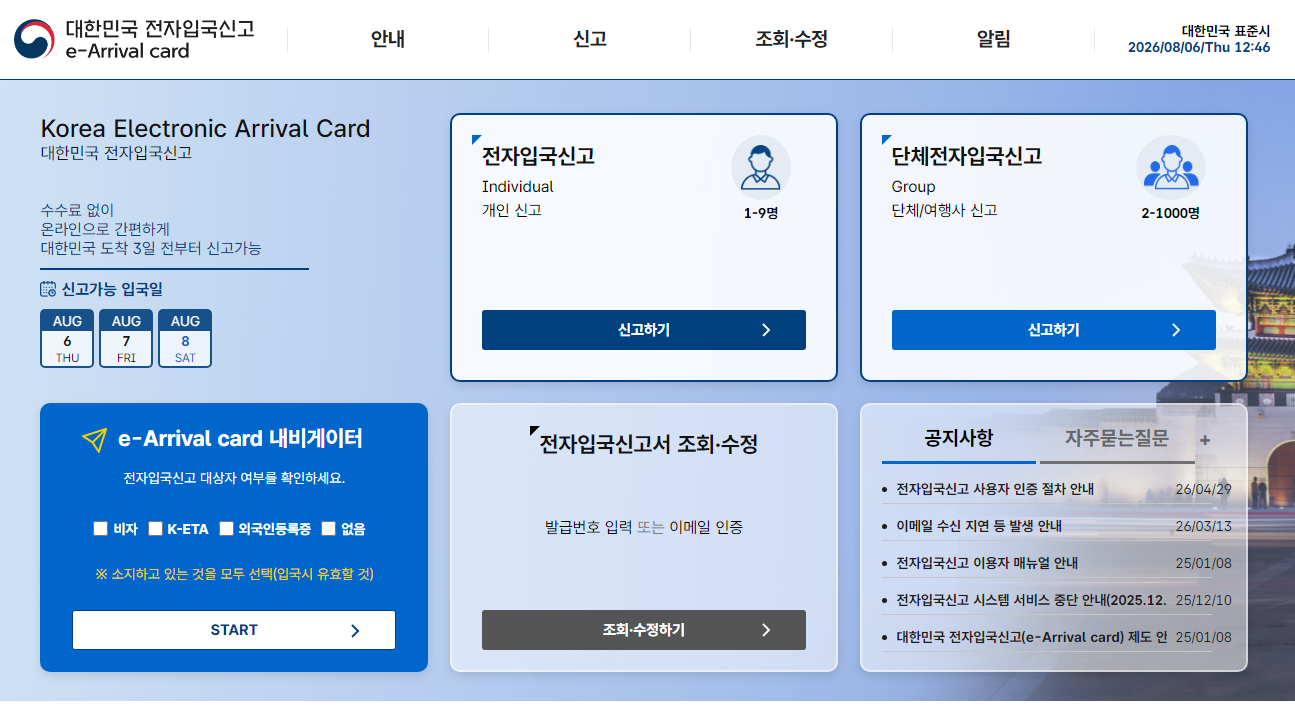
The South Korea electronic entry application can be applied for free 3 days before arriving in South Korea. Please be aware that there are fraudulent sites that charge fees outside the official site, so make sure to use the official website.
Reason 1: The Image Format is Not JPEG
Recent iPhones may save images in HEIC format, and some Android devices may also save in special image formats. There have been reports that the electronic entry application cannot read them correctly, and converting to JPEG (.jpg) may resolve the issue.
It is recommended to save and upload the original image taken of the passport in JPEG format rather than a screenshot.
Reason 2: The Entire Passport is Not Visible
Since OCR (Optical Character Recognition) will be performed, please take a photo of the entire page where names, passport numbers, dates of birth, etc., are written, not just the face photo of the passport.
Particularly important is the bottom section of the page, the MRZ (Machine Readable Zone). If this part is cut off, there may be a failure in reading.
Reason 3: The Image is Rotated 90 Degrees
Even if it looks correct on a smartphone, it may not be processed correctly due to orientation information (EXIF) within the image data.
There are reports from users who were able to upload successfully after changing the image to one saved in the correct orientation rather than sideways.
Sometimes resaving the image using an image editing app before uploading again can improve the situation.
Reason 4: The Image Size is Too Large
When taken with a high-quality camera, the image size can become very large. In some devices, the size judgment may not be performed correctly, leading to errors.
Try resizing the image and uploading again.
If You Want Family or Friends to Check Your Photo, UploadF is Convenient
"Is this photo okay?" "Can the text be read?" If you are unsure, it is recommended to have family or companions check it.
In such cases, the free file-sharing service UploadF is convenient.
- Available from both PC and smartphone
- Easy upload using drag and drop
- Supports password protection
- Allows selection of storage duration
- Image editing (cropping, resizing, etc.) is also available
By reducing the image size or trimming unnecessary margins before sharing, it can also help in confirming before upload.
Points You Should Know About the Electronic Entry Application
- The application is free
- Can be submitted starting 3 days before arriving in South Korea
- Once the electronic application is completed, a paper entry declaration form is not required
- Be cautious of sites outside the official site that charge fees
Information on the electronic entry application is also managed via email, and content can be inquired and modified.
Conclusion
If you cannot upload a photo on the South Korea electronic entry application, it is mostly due to the image data.
- Convert to JPEG format
- Clearly photograph the entire passport
- Do not cut off the MRZ
- Save the image in the correct orientation
- Adjust the image size appropriately
Additionally, if you want someone to check the photo or share it after adjusting the image size, UploadF can make the process smooth.