File uploader
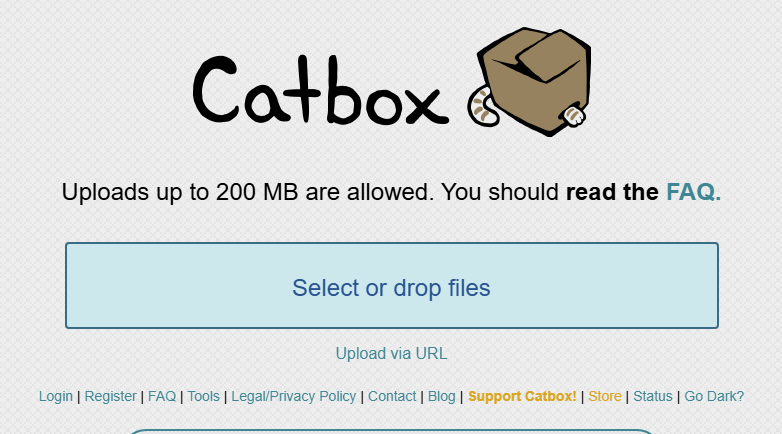
For those looking for an alternative to catbox.moe
catbox.moe is widely used by many users as a free service that allows uploading and sharing images, videos, audio, etc. without membership registration. However, there are limitations on upload sizes, cases where access is difficult in some environments, and sometimes a lack of features depending on usage.
If you're looking for "a more user-friendly service?", "want to share with a password?", or "want to send multiple files at once?", it's also recommended to consider another file uploader.
In this article, we will整理 the features of catbox.moe and introduce services that are easier to use as alternatives.
Features of catbox.moe
- Available without membership registration
- Can share various files such as images, videos, and audio
- Supports drag & drop
- Supports anonymous uploads
- Can integrate with external tools such as API and ShareX
On the other hand, anonymous uploads have a size limit of 200MB, and there are certain file extensions that cannot be uploaded. Additionally, there have been reports of access difficulty due to ISP or DNS issues depending on the usage environment. In some cases, it may be more comfortable to use an alternative service depending on the purpose.
If you're looking for an alternative to catbox.moe, UploadF is recommended
For those who want to share files anonymously, UploadF is also recommended.
UploadF is a free file uploader that can be used from both PC and smartphone, available immediately without membership registration.
- Completely free
- Supports drag & drop
- Can upload 100 files simultaneously
- Storage period can be selected from 1 day to unlimited
- Supports password-protected sharing
- Can individually delete unnecessary files
- Supports about 150 types of file extensions
In particular, it features password protection and specification of storage duration, making it easy to use for various purposes such as work, school, and private use.
Convenient functions for image sharing
When uploading images, you can use useful tools in addition to file sharing.
- AI image learning prevention
- Online OCR (Optical Character Recognition)
- Image editing (mosaic, resizing, cropping, background transparency, etc.)
- Color code extraction
- Convert GIF to frame images
- List and ZIP multiple files
Even if you want to edit images before sharing, there is no need to prepare separate software.
Representative uploaders other than catbox.moe
| Service | Features |
|---|---|
| UploadF | Free, password support, simultaneous upload of 100 files |
| GoFile | Popular for large file transfers |
| Pixeldrain | Easy to share with a simple UI |
| Litterbox | Temporary storage service from catbox.moe series |
| SwissTransfer | For large file sending |
If anonymity is a priority, use catbox.moe or Litterbox. If you want detailed management such as storage duration and password settings, use UploadF. It's advisable to choose based on your needs.
Points to consider when choosing an uploader
Checking the following points will make it easier to choose a service that fits you.
- Maximum upload capacity
- Can you change the storage duration?
- Is there a password setting?
- Can multiple files be sent together?
- Is it easy to use on smartphones?
- Is there a deletion function?
Choosing a service that allows easy management after sharing, not just for uploading, can reduce the risks of misdelivery and information leakage.
Conclusion
catbox.moe is a convenient uploader that can be used casually and anonymously, but there may be times when you feel its file size or features are insufficient.
If you want to share files more flexibly, choose a service like UploadF that supports storage duration, password settings, and simultaneous uploads of multiple files for a more comfortable file-sharing experience.
If you want to safely and easily share various files such as images, videos, and documents, why not give it a try?