File uploader
Using External Uploaders is Recommended for File Sharing on Endchan
Endchan is an image board that places a strong emphasis on anonymity and allows the posting of images, videos, and various files. However, the settings may differ by board, and using external uploaders can be more convenient for sharing large files or multiple files.
In such cases, using a free file uploader like UploadF can facilitate the process.
- Available from both PC and smartphone
- Easy uploads via drag-and-drop
- Ability to upload 100 files at once
- Password-protected sharing
- Customizable storage duration
- Individual file deletion available
When sharing images, you can also utilize convenient tools for AI image learning prevention, OCR, and image editing.
What is Endchan?
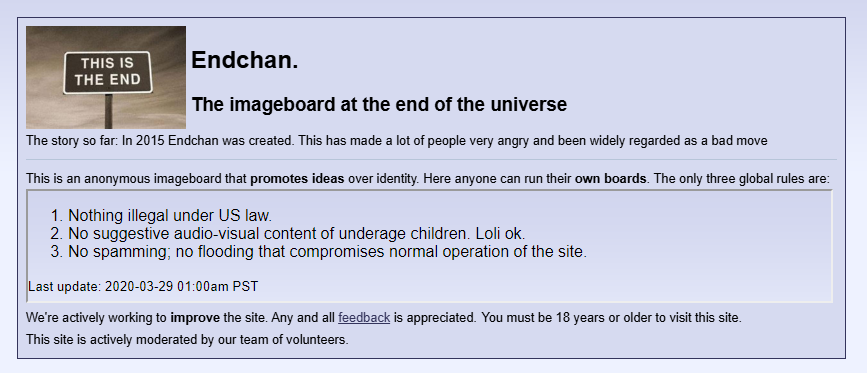
Endchan is an overseas image board that can be used anonymously. It allows anyone to create a board, and there are many categories available. It is also known as a community that values anonymity and freedom.
Endchan supports not only images but also attachments of videos and various files; however, the features and restrictions available may differ depending on the board administrator.
How to Share Files on Endchan
1. Attach from the Post Form
Normally, you can select images or videos to post from the "File(s)" option in the post form. Some boards also support multiple files.
2. Use External Uploaders for Large Files
For large data such as videos or compressed files, there can be failures during the uploading process.
In such cases, it is recommended to upload to UploadF and paste the issued URL to Endchan.
By opening the URL, the recipient can obtain the file, making it easy to share even when direct attachment to the board is not possible.
Points to Check if Unable to Upload
- Is the file size within the board's limits?
- Is the file extension allowed on the destination board?
- Does it exceed the allowable number of files for posting?
- Are there any temporary server errors occurring?
Endchan may display a limit of 350MB, but there are reports of instances where smaller sizes could not be uploaded due to server settings or the domain in use.
Benefits of Using External Uploaders
Using external uploaders reduces the impact of attachment restrictions on the board.
- Allows sharing multiple files together
- Can post only the download URL
- Can set password protection
- Files can be deleted later
- More easily accommodates files other than images
This is especially useful when sharing project files, ZIPs, PSDs, videos, and more.
Convenient Features for Image Sharing
After uploading images, UploadF offers additional helpful features.
- AI image learning prevention
- Online OCR
- Color code extraction
- Mosaic, trimming, resizing
- Background transparency
- Watermark addition
- Convert GIFs to frame images
- ZIP and list multiple files
These features can be useful for processing images before posting them to an anonymous board.
Conclusion
Endchan is an anonymous board that allows posting images and videos, but due to board-specific settings and size limitations, sharing files can sometimes be challenging.
In such cases, using UploadF allows for easy sharing of large files and multiple files. By simply pasting the URL, files can be transferred safely to others, making it a very convenient method for file sharing on Endchan.
Top Help Contact 🌐Language